
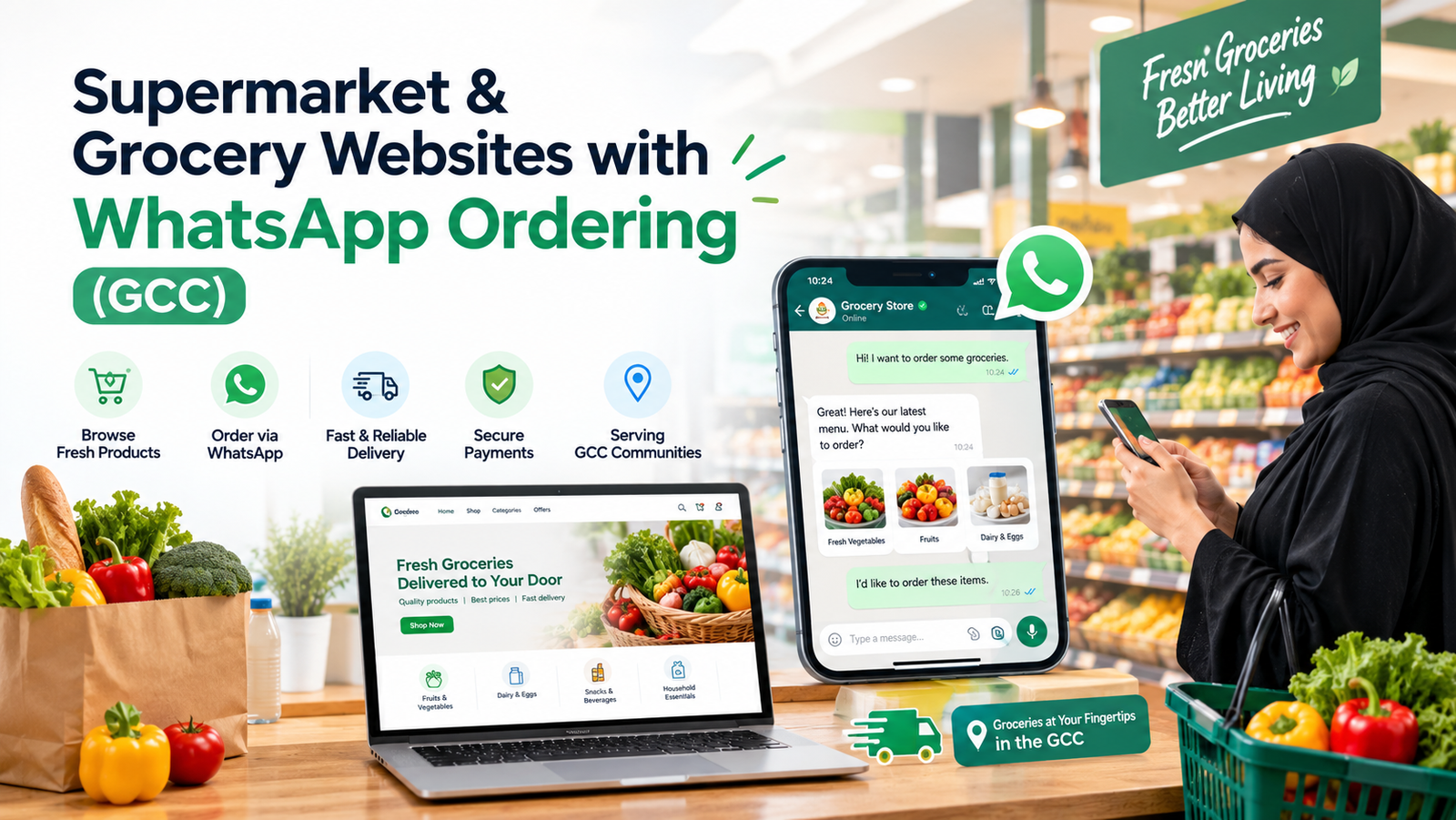
Supermarket & Grocery Websites with WhatsApp Ordering (GCC)
Gulf grocers can take orders on WhatsApp without a heavy platform. See the features, order flow and delivery setup that work for Malayali stores.
Your customers already order groceries on WhatsApp. They send a voice note to the shop, type a list from memory, or forward last month's list with two changes. It works, until the phone buzzes forty times during the evening rush, an item is missed, and nobody remembers who asked for what. A grocery website with WhatsApp ordering keeps the habit your customers love and removes the chaos behind it.
This guide is for Malayali supermarket, grocery and mini-mart owners in the UAE, Saudi Arabia, Qatar and Kuwait. You will see what the website needs, how the WhatsApp order flow works, how delivery fits in, and how to start without paying for a heavy platform.
Why a WhatsApp-first website suits Gulf grocers
Big delivery apps charge commissions and own your customer relationship. A website of your own does the opposite: orders come straight to you, prices are yours, and you keep every customer's details for repeat sales. Meanwhile, WhatsApp is already the favourite channel for Malayali families in the Gulf, so you are meeting customers where they already are instead of asking them to download something new.
The combination is powerful. The website handles the tedious part, which is showing products, prices and categories clearly. WhatsApp handles the personal part, which is confirming the order, answering "is the fish fresh today?" and sending updates. Neither replaces the other.
What a grocery website actually needs
You do not need a giant ecommerce system on day one. A strong first version has six parts:
-
A clear product catalogue. Categories such as vegetables, fish and meat, rice and pulses, spices, dairy, snacks and household items, each with a clear photo, unit (kg, pack, piece) and price. Kerala staples like matta rice, coconut oil and banana varieties should be easy to find, because shoppers search for specific items.
-
Fast search and filters. Customers will type "kappa" or "cooking oil" and expect it to appear. Good search turns browsers into buyers.
-
A simple cart. Customers add items, change quantities and see the total. No account is required for the first order, because forced sign-up kills orders.
-
A "Send order on WhatsApp" button. One tap turns the cart into a neatly formatted message to your store number, with items, quantities, total, name and delivery area.
-
Delivery areas and timings. Show which neighbourhoods you serve, the minimum order, delivery charge and slot times, so staff stop answering the same question all day.
-
Mobile-first design. Most orders will come from a phone held in one hand, so buttons must be big and pages must load quickly, even on weaker connections.
How the WhatsApp ordering flow works
Here is the journey from a customer's side, which is the best way to judge any system:
The shopper opens your website, browses and fills the cart. They tap Order on WhatsApp. WhatsApp opens with a ready-to-send message listing every item, the total and their delivery details. They press send. Your team receives one clean, complete order instead of a messy voice note, confirms availability, shares the payment link or notes cash on delivery, and sends a dispatch update.
Two levels of WhatsApp: the simple click-to-chat method above works with a normal WhatsApp Business number and is cheapest to start. If your volume grows, the WhatsApp Business API adds automated confirmations, catalogue messages and multi-agent inboxes. Our guide to the WhatsApp Business API explains when that upgrade makes sense. Start with click-to-chat. Upgrade when your team can no longer keep up manually, not before.
Delivery that does not turn into a headache
Grocery delivery fails on small details. Build these into the website from the start:
Zones and minimums. Set delivery areas by neighbourhood, each with its own minimum order and charge. Time slots. Morning, afternoon and evening windows help you plan driver routes. Substitutions. Let customers choose "replace with similar item" or "skip it" for each product, which prevents most complaints. Weight-based items. Fish, meat and vegetables are priced by weight, so show "approximate price, final bill after weighing." Order status. Even a simple message such as "packed" and "out for delivery" reduces calls dramatically.
Payment can stay flexible. Many Gulf grocery customers like cash on delivery, while others prefer card or bank transfer links. Offering both removes friction without forcing a payment gateway on day one.
Want your store online without the heavy platform? Tell us about your shop. We will suggest the simplest setup that takes orders from your first week.
Win more customers with local search
A website only helps if shoppers find it. People searching "grocery near me" or "Kerala supermarket in Sharjah" see the map results first, so your Google Business Profile matters as much as your site. Keep your address, hours, photos and WhatsApp number accurate, add your website link and ask happy customers for reviews. Our local SEO and Google Business Profile guide walks through each step. Pair that with pages for each neighbourhood you serve, so Google understands exactly where you deliver.
If you also run a restaurant, bakery or other retail outlet, the lessons in our retail and restaurant website guide for Saudi Arabia apply to you as well, particularly around Arabic and English pages.
Language, trust and design details that matter
Gulf customers come from many backgrounds. A bilingual site in English and Arabic widens your audience, and Malayalam labels for popular items make Malayali families feel at home. Show your trade licence details, store photos and real delivery contact numbers, because trust drives first orders. Use warm, real photos of your products instead of generic stock images, and keep prices and offers updated daily so customers never feel misled.
Finally, make offers visible. A "today's fresh arrivals" row, weekend deals and combo baskets such as "monthly rice and essentials" lift the average order value. Good design also matters here, and professional branding and identity helps a neighbourhood shop look like a trusted name.
Which route should you take?
You have three realistic options. A template or app subscription is quick but looks the same as everyone else and often takes commissions. A fully custom website build gives your store its own look, your own domain and WhatsApp flow shaped around how your team works. A larger custom system, such as inventory sync, billing integration and multi-branch management, belongs to custom software development and makes sense once you have several outlets.
Many owners later add a branded mobile app for regulars, and use AI and automation for automatic reorder reminders and instant replies to common questions. If you are wondering how selling online differs between markets, our article on ecommerce website development in Kerala is a useful comparison. You can also look through our portfolio to see how we present products, and promote the launch through digital marketing so your first week brings real orders.
A simple launch plan
Week 1: list your top 150 products with photos, units and prices. Week 2: design and build the catalogue, cart and WhatsApp button. Week 3: set delivery zones, test orders with your own staff and fix gaps. Week 4: launch to your existing WhatsApp customers first, then add the website to your Google profile and social pages. Add new products and features gradually, guided by what customers actually order.
Let's put your store online Share your product range and delivery area. We will outline the simplest setup and a clear price.
Frequently Asked Questions
Keep Reading
View All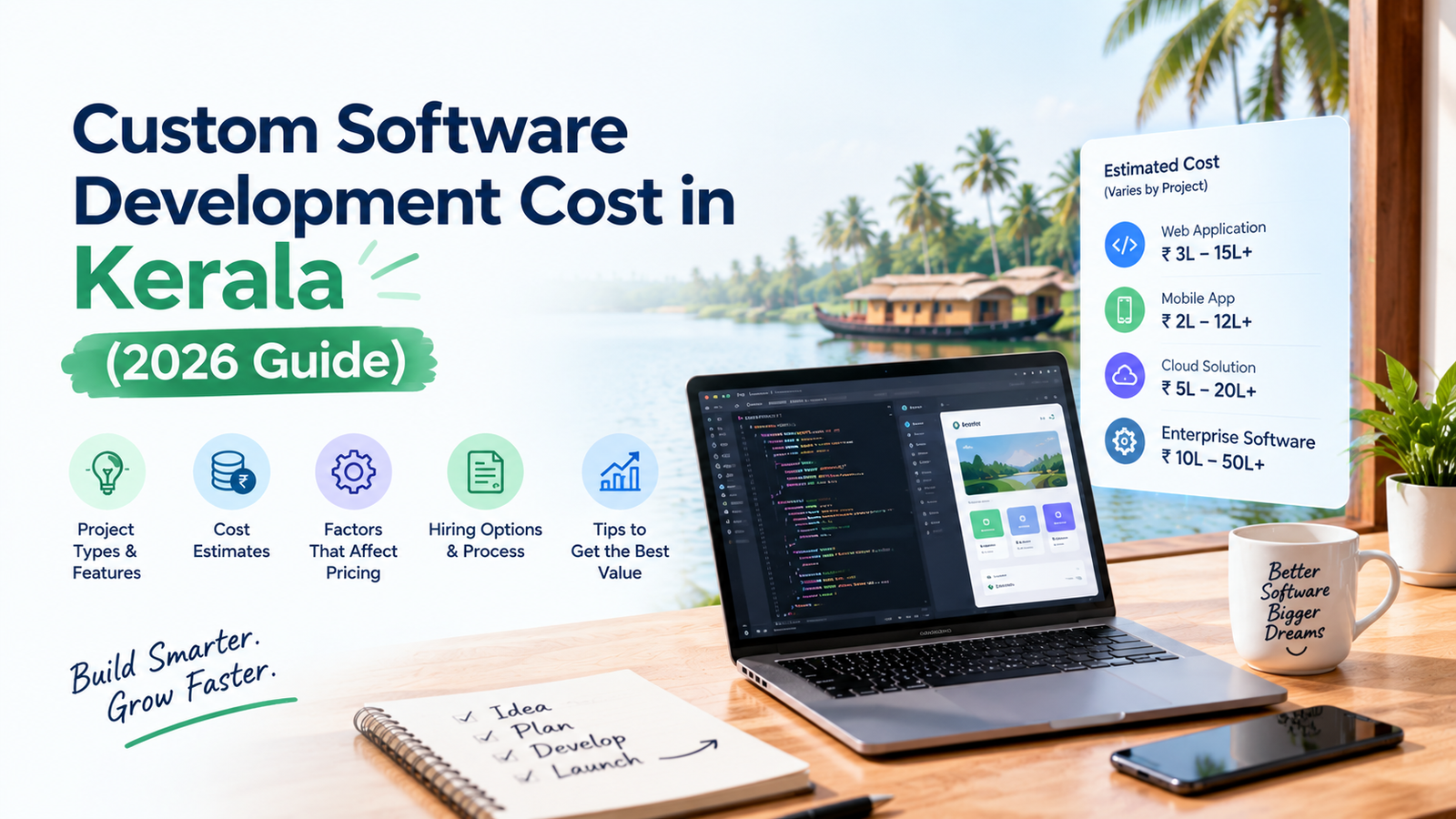
Custom Software Development Cost in Kerala (2026 Guide)
Custom software in Kerala can cost 1.5 to 30 lakh or more. See real price ranges, pricing models, hidden costs and 10 ways to spend less.

Case Study: Albedo CALCT Project by CODO AI
See how CODO AI took the Albedo CALCT project from brief to launch: the goals, the build, the challenges we solved and the results. A real look at how we work.

Brand Identity Designer in Kerala: Packages & Cost (2026)
Thinking of hiring a brand identity designer in Kerala? See what a full identity package really includes, what drives the price, how branding differs for Kerala and Gulf audiences, and how to judge a portfolio before you pay.