

WhatsApp Business API Automation: What Kerala Developers Can Build for GCC Businesses
A technical walkthrough of what's actually possible on the WhatsApp Business API — order updates, catalogs, auto-replies — and why Kerala development teams are well placed to build it for GCC clients.
WhatsApp Business API Automation: What Kerala Developers Can Build for GCC Businesses
Most articles about "WhatsApp automation" stay at the surface — a screenshot of a chatbot conversation and a vague promise of "24/7 support." Developers and business owners evaluating this seriously deserve a straighter answer: what is actually buildable on the WhatsApp Business API today, what does it take to ship, and why does this keep landing on the desks of Kerala development teams working for GCC clients specifically?
This post walks through it from the build side.
WhatsApp Business App vs. WhatsApp Business API — the Real Difference
The free WhatsApp Business App (the one on a shop owner's phone) is built for one person manually replying to messages. It has no programmatic access, no bulk automation, and no way to plug into a database or CRM.
The WhatsApp Business API is a different product entirely — it's not an app you install, it's an interface your systems talk to. Access goes through Meta-approved Business Solution Providers (BSPs) such as 360dialog, Twilio, Gupshup, or Meta's own Cloud API directly. Once connected, a business's own backend — its order database, its booking calendar, its CRM — can send and receive WhatsApp messages programmatically, at scale, with no human typing each reply.
That's the entire foundation everything else in this post is built on.
What's Technically Possible to Build
- Order and delivery status updates
The most common first build for retail and ecommerce clients: whenever an order status changes in the backend (confirmed → packed → shipped → out for delivery), a webhook fires a pre-approved WhatsApp template message to the customer automatically. No staff member touches it. This alone eliminates a large share of "where's my order?" inbound messages.
- Product and service catalogs inside WhatsApp
Meta's Catalog API lets a business list products directly inside WhatsApp — customers browse, tap, and add to an order without leaving the chat. For a GCC retail client, this means a customer can go from "do you have this in stock?" to a completed order request in the same conversation window, on the app they already have open all day.
- Rule-based auto-replies with real data behind them
The simplest layer — automated first-response to common questions (hours, location, pricing tiers) — but the quality bar has moved. Clients increasingly expect these replies to pull from live data (current stock, today's hours, active promotions) rather than a static canned message that goes stale the first time something changes.
- Booking and reservation flows
Using WhatsApp's interactive list and button messages, a customer can pick a service, see available time slots pulled live from a calendar API, and confirm a booking — all inside the chat thread, with a confirmation template sent back automatically.
- Two-way handoff to a human agent
Every serious build needs an escalation path. Technically, this means routing the conversation into a shared inbox tool (or a custom-built dashboard) the moment a rule-based flow can't resolve the query, with the full message thread preserved so a human agent doesn't start from zero.
- Broadcast and re-engagement messages
Within Meta's opt-in and template-approval rules, businesses can send scheduled updates — a restaurant announcing a new menu item, a retailer announcing a sale — to customers who've previously messaged them. This runs through the same API infrastructure as the automated replies above.
The Technical Building Blocks
A production WhatsApp Business API build generally requires:
A Meta Business Manager account and approved WhatsApp Business Account (WABA), typically set up through a BSP rather than Meta directly, which speeds up approval and provisioning. Pre-approved message templates for anything sent outside the 24-hour customer-initiated window — Meta requires template approval for proactive messages like order updates or reservation confirmations. A webhook receiver on the business's backend to catch incoming messages and status callbacks. A session/state layer to track where each customer is in a flow (browsing a catalog, mid-booking, waiting for a human) since WhatsApp itself doesn't manage conversation state for you. Integration with the business's actual systems — inventory database, booking calendar, CRM — since none of the above is useful if it's just answering from a static script.
That integration step is usually where the real engineering effort goes, not the WhatsApp connection itself.
Why This Work Keeps Landing With Kerala Teams
Cost structure. Kerala engineering rates remain substantially lower than UAE, Saudi, or European equivalents for comparable API integration and backend work, without a quality trade-off on this kind of build. Time zone overlap. IST sits roughly 1.5–3 hours ahead of GST/AST, giving a full working-day overlap for daily standups, QA cycles, and live support during launch — something teams in the US or UK simply can't offer GCC clients. Existing Malayali business networks in the Gulf. A large share of GCC retail and restaurant ownership has Kerala roots or staff, which shortens the trust-building and requirements-gathering phase considerably. Familiarity with Meta's approval process. Template approval, BSP selection, and WABA verification have enough friction points that experience matters — teams that have shipped several of these builds move through it far faster than a team doing it for the first time.
A Realistic Build Timeline
Clients evaluating this often ask how long a build actually takes, and the honest answer is "it depends almost entirely on the integration layer, not the WhatsApp part." A rough shape for a mid-complexity build — say, order-status automation plus a catalog and basic auto-replies for a retail chain with an existing backend:
Week 1 — Discovery and account setup. Mapping the actual customer questions and workflows to automate, starting WABA verification through a chosen BSP, and drafting the first batch of message templates for approval submission early (since this is the step most likely to cause delay later). Weeks 2–3 — Core integration. Building the webhook receiver, connecting to the business's inventory/booking/CRM systems, and implementing the state layer that tracks where each customer is in a flow. Week 3 (parallel) — Catalog and flow design. Structuring the product/service catalog for WhatsApp's format, and designing the interactive list/button flows for bookings or ordering. Week 4 — Human handoff and QA. Wiring the escalation path into a shared inbox or dashboard, then testing edge cases — what happens when stock data is momentarily out of sync, when a customer messages outside business hours, when a template gets rejected mid-project. Week 4–5 — Soft launch. Rolling out to a subset of customers or a single location first, watching real conversation logs, and adjusting auto-reply logic based on questions the initial build didn't anticipate.
Restaurant bookings and simple auto-reply builds tend to move faster than this; multi-location retail chains with legacy inventory systems tend to take longer, mostly because of how much cleanup the underlying business data needs before it's reliable enough to answer from automatically.
Data Hygiene: The Unglamorous Part That Determines Success
Every experienced team building on the WhatsApp Business API will say some version of the same thing: the automation logic is rarely what breaks. What breaks is stale or inconsistent underlying data — a stock count that wasn't updated after a manual in-store sale, a menu item still listed as available after it sold out, opening hours that changed for a public holiday but were never updated in the system the bot reads from.
This means part of scoping a serious build has to include an honest look at how a business currently keeps its own data updated, not just what the WhatsApp flow should look like. Businesses that already run a reasonably disciplined inventory or booking system see automation "just work" almost immediately. Businesses where staff still update stock on a whiteboard or a shared spreadsheet updated once a day need that fixed first, or the automation will confidently tell customers wrong information — which damages trust faster than not automating at all.
Choosing Between a BSP and Going Direct
Most businesses building on top of the WhatsApp Business API go through a Business Solution Provider rather than integrating with Meta's Cloud API directly: a BSP handles a lot of the account provisioning, billing, and often ships extra tooling (shared inboxes, analytics dashboards, broadcast scheduling) that would otherwise need to be built from scratch.
Going direct through Meta's Cloud API makes more sense once message volume is high enough that BSP per-conversation markups start adding up meaningfully, or when a business needs tighter control over infrastructure than a BSP's dashboard allows. For most GCC retail and restaurant businesses in their first year of WhatsApp automation, a BSP is the more practical starting point.
Common Build Mistakes to Avoid
Skipping template pre-approval planning. Submitting templates late in a project timeline is one of the most common causes of launch delays — Meta's review can take days, and rejected templates need resubmission. Treating auto-replies as "set and forget." A reply pulling from a stock or hours database needs a maintenance plan for when that underlying data changes — otherwise the automation quietly becomes wrong instead of helpful. No clear human handoff rule. Builds that try to make automation handle every case without a defined escalation trigger tend to frustrate customers and generate complaints instead of preventing them. Underestimating the integration layer. Clients sometimes expect the "WhatsApp part" to be the hard part; in practice it's usually the connection to existing business systems that takes the most engineering time.
The Bottom Line
WhatsApp Business API automation isn't a single product you buy off a shelf — it's a set of building blocks (templates, catalogs, webhooks, state management, human handoff) that get assembled differently for every business, depending on what their actual customer questions and workflows look like. For GCC retail and restaurant businesses specifically, this tends to be the highest-leverage channel to automate, simply because that's where their customers already are.
We build these end to end — from BSP setup and template approval through to backend integration and the human-handoff layer.
Want to scope a build for your business? Message us directly on WhatsApp: 918590800133
Frequently Asked Questions
Keep Reading
View All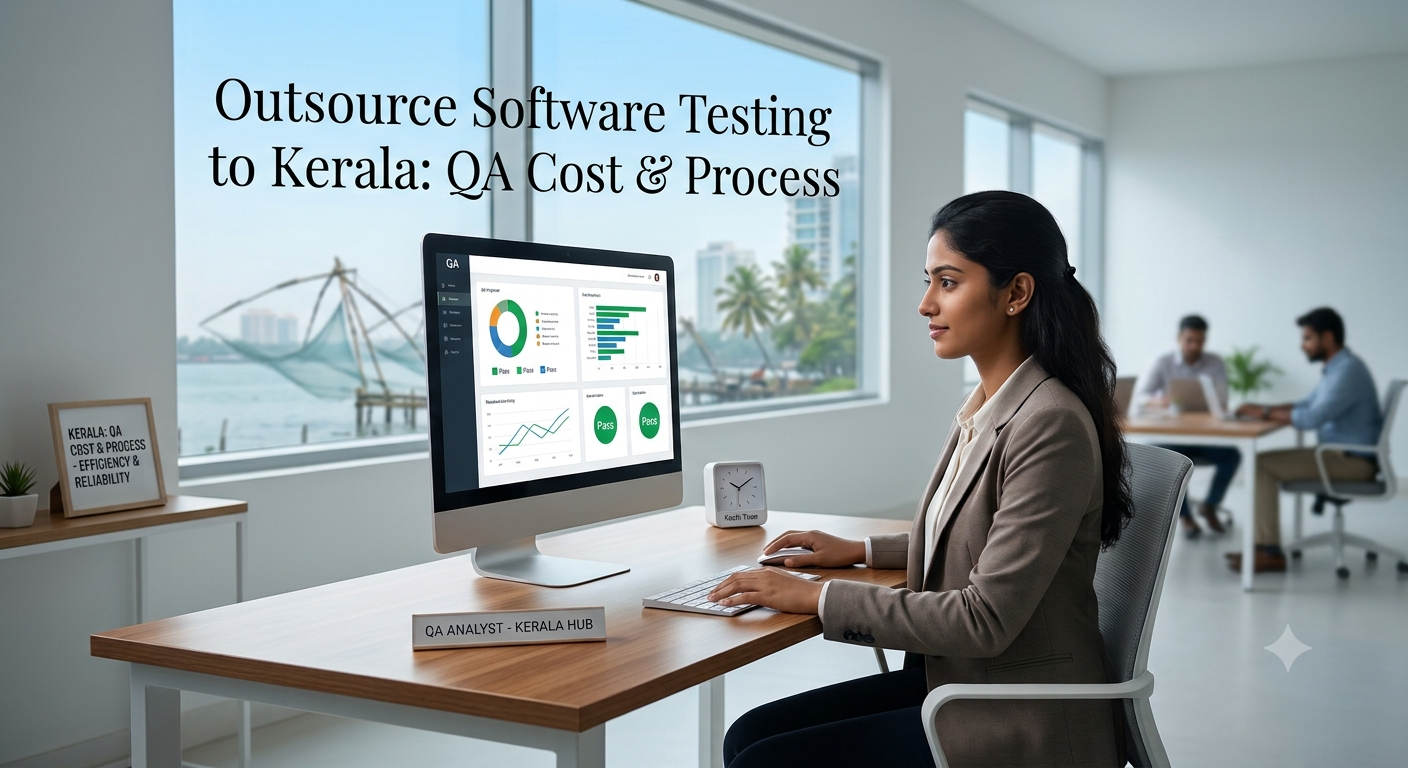
Outsource Software Testing to Kerala: QA Cost & Process
Planning to outsource QA? See what manual and automation testing cost in Kerala, how the process works, and which questions to ask vendors before you sign.
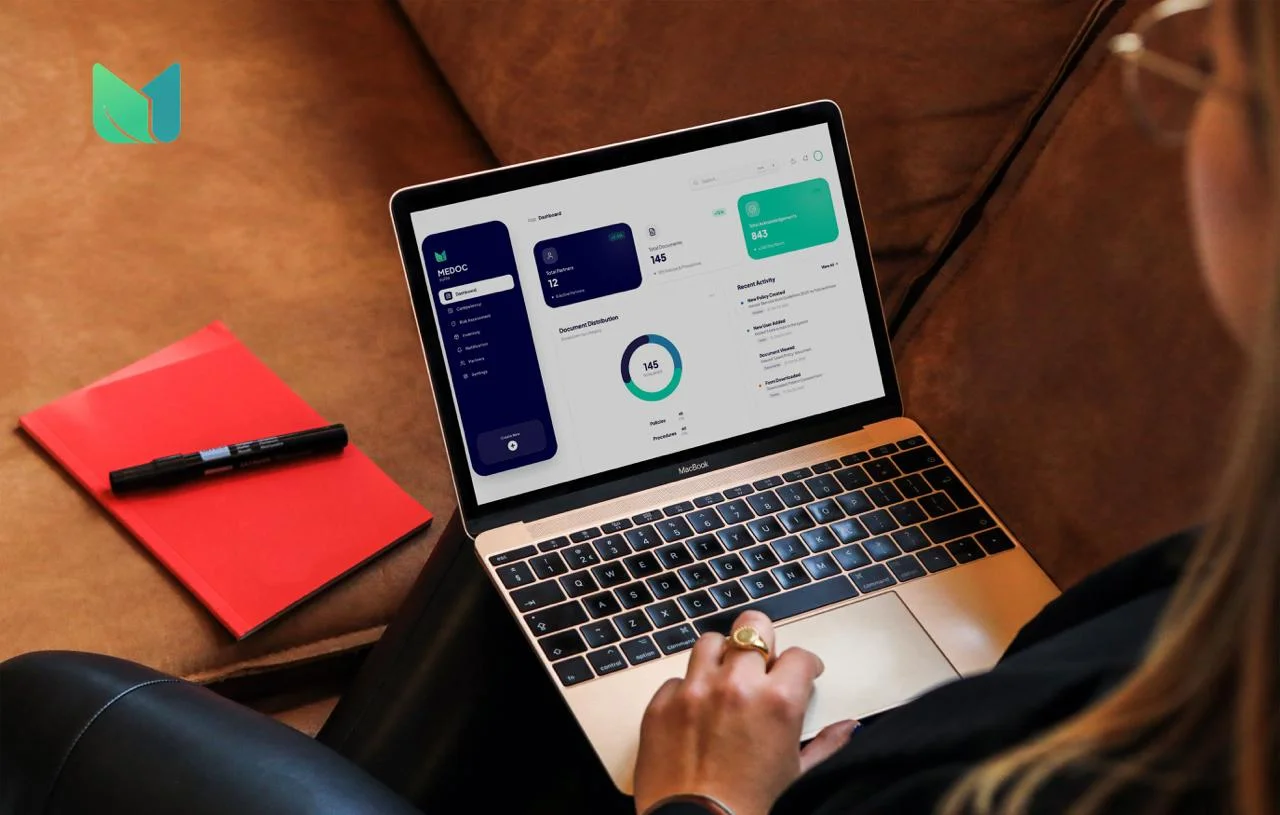
Case Study: Medoc Suite Platform by CODO AI
Scattered records, tricky scheduling and slow billing cost healthcare teams hours every week. See how CODO AI approached Medoc Suite, from discovery to launch, and what a single healthcare platform can change for your clinic.
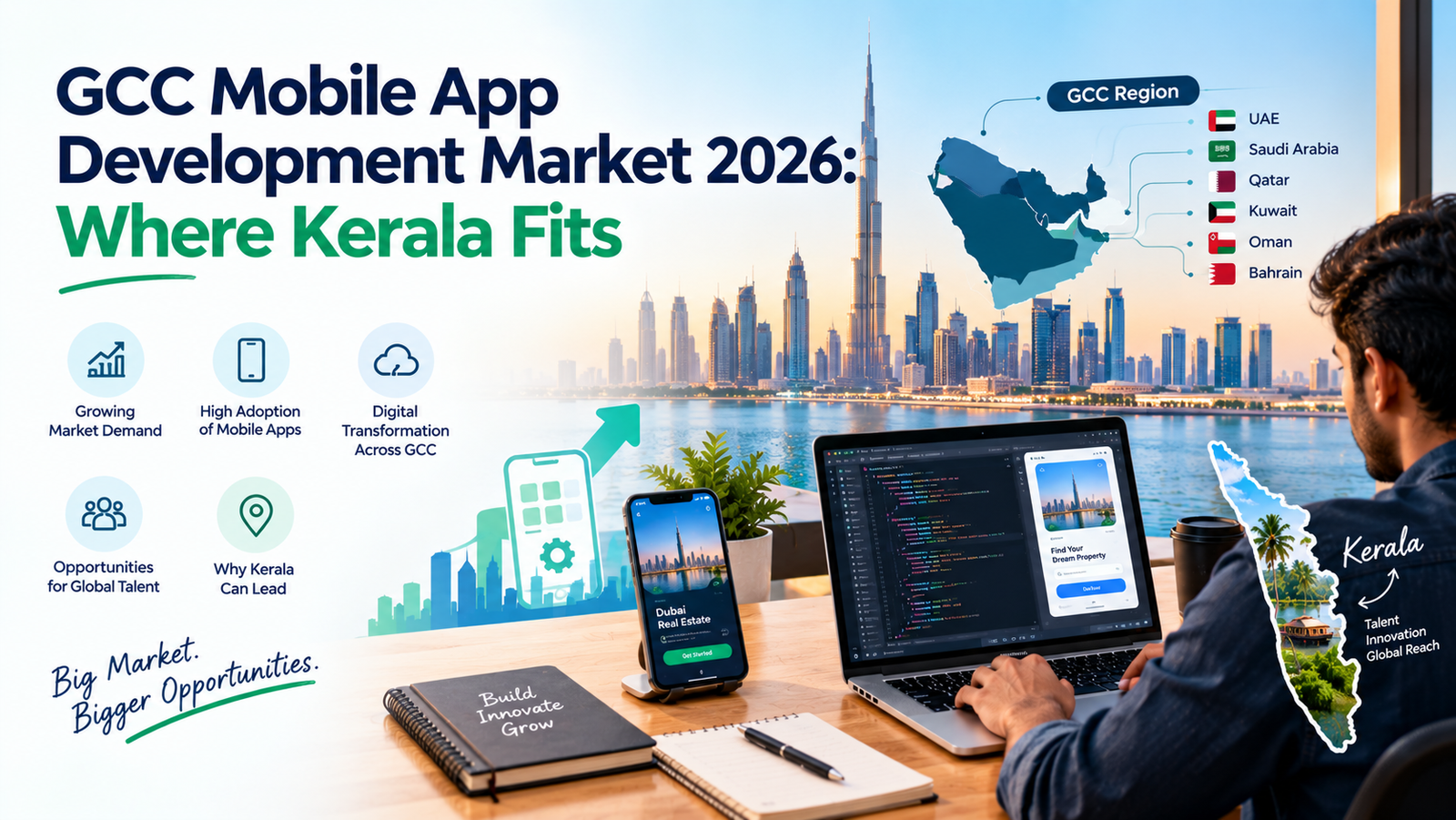
GCC Mobile App Development Market 2026: Where Kerala Fits
Gulf businesses are moving payments, services and shopping onto the phone. See where GCC mobile app demand is heading in 2026, what buyers expect, and why Kerala teams are winning Gulf projects on cost and time-zone overlap.