Back to Journal
Website Designing & Developmet
4 November 20269 min read
Arabic & English Bilingual Website: RTL Design & SEO Guide
J
Jubairiya
Digital Marketing Executive
Jubairiya
Digital Marketing Executive
Planning an Arabic and English website for GCC customers? RTL layout, hreflang, fonts and SEO mistakes to avoid, from a Kerala web team.
If you sell to customers in the UAE, Saudi Arabia, Qatar, Kuwait, Bahrain or Oman, an Arabic and English bilingual website is more than a translation exercise. Arabic reads right to left, so your layout, typography, forms and URL structure all have to change with it. If the build is wrong, Google may show the wrong language to the wrong person, and Arabic-speaking visitors will leave a page that feels like an afterthought. This guide covers what to plan before development starts, how to handle RTL design, how to set up hreflang, and the mistakes we see most often on GCC sites.
English works for a large part of the GCC business audience, especially in Dubai, where many residents are expatriates. But it doesn’t work for everyone. Many Saudi, Kuwaiti and Omani buyers search in Arabic first, and Arabic trust signals matter more for government-linked, healthcare, education, real estate and retail audiences. A bilingual site gives you two things: More search visibility. Arabic queries have their own results pages. If you only publish in English, you aren’t competing for them. More trust at the decision stage. A visitor who finds a clear Arabic page with Arabic contact details is more likely to enquire. For businesses outside the GCC, such as Kerala companies serving Gulf clients, an Arabic version is often the difference between being seen as a local option and an overseas one.
| Structure | Example | Verdict |
|---|---|---|
| Subdirectory | example.com/ar/ | Best for most businesses. Easy to manage and keeps domain authority together |
| Subdomain | ar.example.com | Workable, but treated more separately |
| Separate domain | example.ae | Only if you need a fully local brand |
For most small and mid-sized businesses, subdirectories are the simplest. You maintain one site, one CMS and one backlink profile. Whichever you choose, give every page its own URL for each language. Don’t switch languages with JavaScript on the same URL. Google can’t index a version it can’t reach.
RTL (right-to-left) is the part most teams underestimate. Setting dir="rtl" on the page is only the start.
What should mirror:
Page layout, navigation order and menus Text alignment and list bullets Sliders, progress bars and step indicators Arrows and “next/back” icons
What should not mirror:
Logos Phone icons, clocks, checkmarks and media play buttons Numbers, phone numbers and email addresses (they stay left to right inside Arabic text) Embedded images that contain text
Use CSS logical properties. Instead of margin-left and padding-right, use margin-inline-start and padding-inline-end. The layout then flips automatically when the page direction changes, and you avoid maintaining a second stylesheet full of overrides.
Set the language and direction in the HTML.
html
<html lang="ar" dir="rtl">For the English version, use lang="en" and dir="ltr". For mixed content, such as an English brand name inside an Arabic sentence, wrap it in a <bdi> or <span dir="ltr"> so punctuation doesn’t jump to the wrong side.
Using your English brand font for Arabic text is one of the most common problems. Most Latin fonts don’t include Arabic glyphs, so the browser substitutes whatever it finds, and the result looks inconsistent.
Fonts with strong Arabic support include Cairo, Tajawal, Noto Kufi Arabic, Noto Naskh Arabic and IBM Plex Sans Arabic. Pick one that pairs well with your English typeface in weight and x-height.
A few typography rules:
Don’t add letter-spacing to Arabic. It breaks the connected letterforms and makes text hard to read. Give Arabic more line height. Arabic script has taller ascenders and diacritics, so 1.7 or more usually reads better than the 1.5 that works for English. Go slightly larger. Arabic often needs 1 to 2 px more than English at the same size to feel equivalent. Subset and preload fonts, and use font-display: swap. Arabic fonts can be heavy, and slow pages hurt both users and rankings.
Hreflang tells Google which language and regional version to show to which user. It’s essential for bilingual sites and easy to get wrong. A basic setup for a page that exists in English and Arabic:
<link rel="alternate" hreflang="en" href="https://example.com/services/" /> <link rel="alternate" hreflang="ar" href="https://example.com/ar/services/" /> <link rel="alternate" hreflang="x-default" href="https://example.com/services/" />If you target specific countries, you can add regional codes such as ar-AE, ar-SA or en-AE. Only do this if the content genuinely differs by country (pricing, contact details, regulations). Otherwise plain ar and en are simpler and less error-prone.
Rules that matter:
Annotations must be reciprocal. If the English page points to the Arabic page, the Arabic page must point back. Otherwise Google may ignore both. Each page needs a self-referencing hreflang entry. Every language version should have its own self-referencing canonical. Don’t canonicalise the Arabic page to the English one. Use absolute URLs and make sure they return a 200 status. Include both versions in your XML sitemap.
Also avoid redirecting users automatically based on IP address or browser language. It can block Googlebot from seeing one version, and it frustrates people who want the other language. Offer a visible language switcher instead.
Translating your English keywords word for word rarely works. People search in Arabic differently, and spelling and dialect vary by country.
Do separate Arabic keyword research. Check what people in the UAE, Saudi Arabia and Qatar actually type, not what a translation tool produces. Write for your audience’s register. Modern Standard Arabic suits formal and corporate content. Marketing pages can use a lighter, Gulf-friendly tone, but keep it clear and consistent. Use human translators or native editors. Machine translation alone often produces awkward phrasing, and Arabic readers notice quickly. Localise the page elements around the text. Arabic title tags, meta descriptions, headings, image alt text, form labels, error messages and button text all need translating. Add inLanguage in structured data and set og:locale (for example ar_AE) for social sharing.
For URL slugs, you can use Arabic characters or transliterated Latin text. Arabic slugs are readable on the page but become long percent-encoded strings when copied. Many teams prefer short Latin slugs under /ar/. Whichever you pick, stay consistent across the site.
These small things decide whether the Arabic site feels native:
Numerals. Western digits (0-9) are common on UAE business sites, while some audiences prefer Eastern Arabic digits. Choose one and apply it everywhere. Phone numbers. Keep them in left-to-right order, with a click-to-call link. WhatsApp. It’s a primary contact channel across the GCC, so make it easy to find on both language versions. Forms. Make sure fields, placeholders, validation messages and keyboards all work in Arabic, and that name fields accept Arabic script. Dates, currency and units. Match local formats (AED, SAR, QAR) and weekend patterns, which differ between countries. Imagery. Use visuals that reflect the audience you’re addressing.
Translating with a plugin and publishing without review. Quality problems show up immediately. Flipping text direction but not the layout. Navigation, icons and sliders stay in LTR order and the page feels broken. Missing or one-way hreflang. Google may show the wrong version or treat the pages as duplicates. Leaving the Arabic site half-finished. Untranslated menus, forms and footers destroy trust. Ignoring page speed. Heavy Arabic fonts and duplicate scripts slow both versions. Forcing language by IP. It hurts crawling and user choice. Not testing on real devices. RTL bugs often appear only on specific browsers or phones.
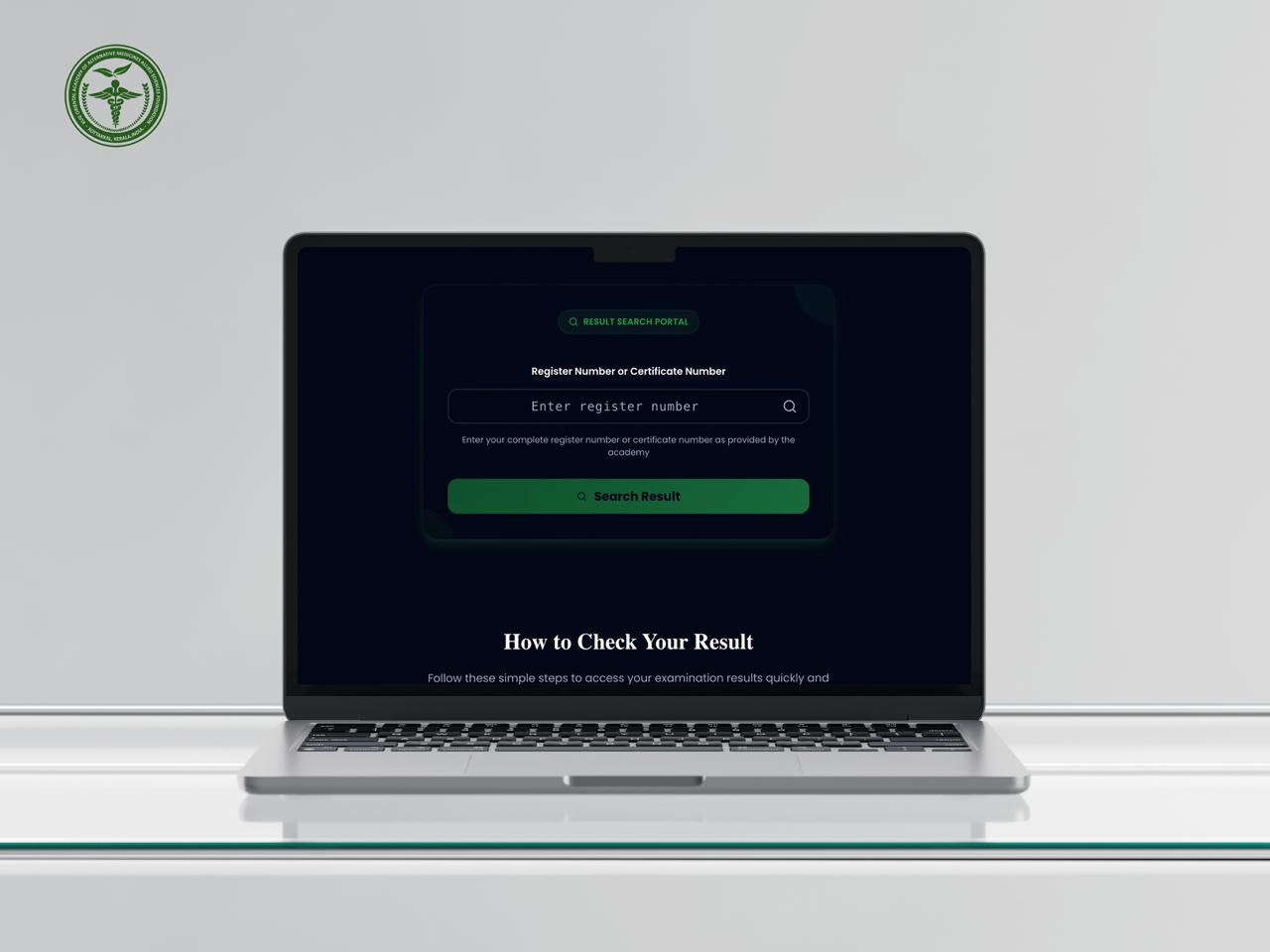
How CODO AI built the KUG Result Publication Portal in 3 months: Next.js, MySQL and a build made for result-day traffic spikes.
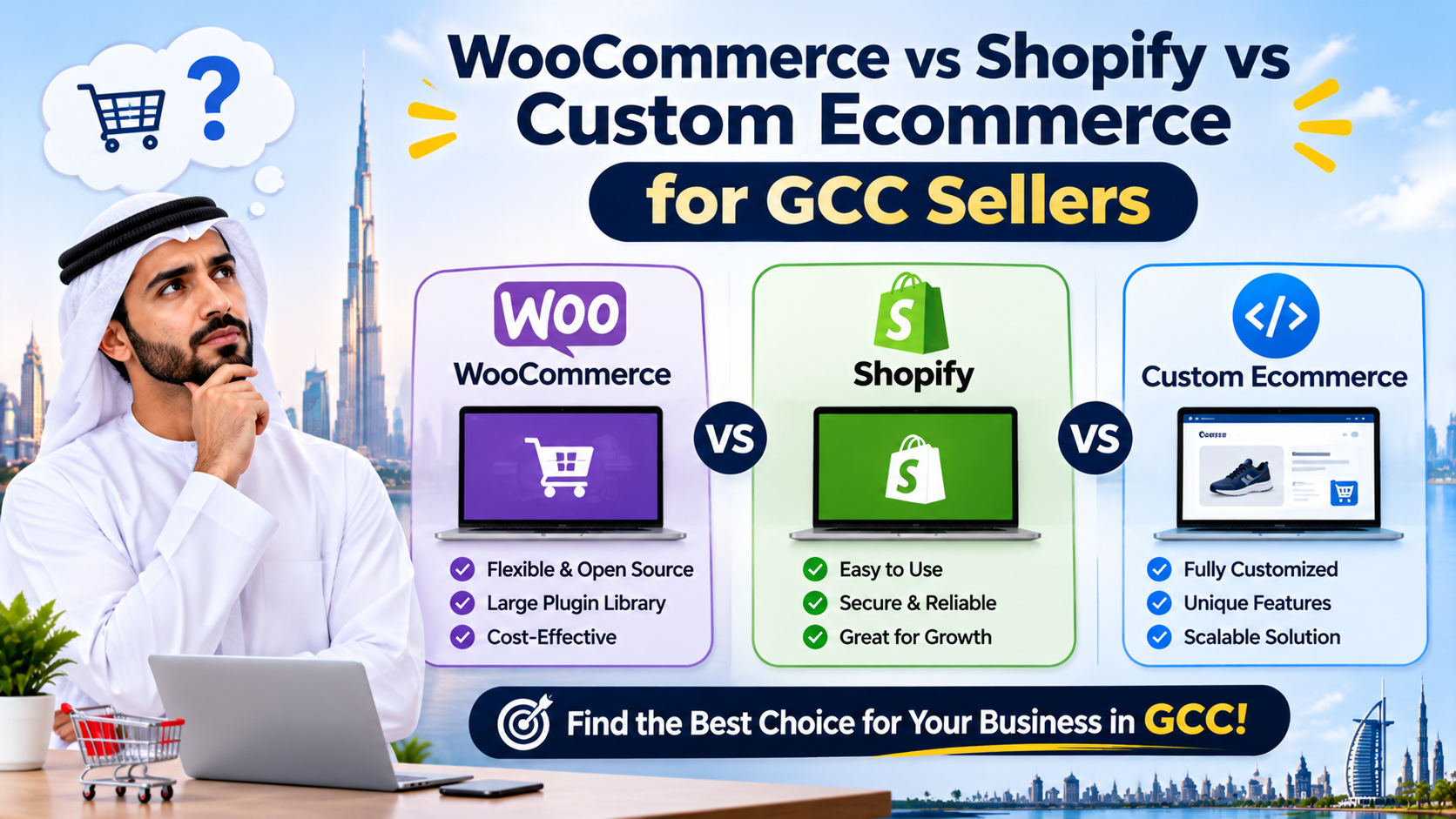
Compare WooCommerce, Shopify and custom builds for Gulf stores. See what each costs, how it handles Arabic and local payments, and which fits your stage.

How GCC online stores use an AI WhatsApp chatbot to answer product questions, recover abandoned carts and handle order status. Setup and cost.